nginx动态化+优雅退出
两种方式获取 nginx 运行的pid:
1、将 nginx 采用前台启动,启动时放入后台,直接 $! 获取pid
2、正常启动 nginx,通过 ps aux |grep |awk 过滤出 pid
一:planA
准备:
Dockerfile:
FROM centos:centos7.9.2009

MAINTAINER  yq "yangqin_0001@126.com"

ENV INDEX_DATA index_default

ADD http://nginx.org/download/nginx-1.22.1.tar.gz /root

RUN yum -y install gcc gcc-c++ make pcre-devel pcre zlib zlib-devel && cd /root/ &&  tar -zxvf nginx-1.22.1.tar.gz && cd /root/nginx-1.22.1 && ./configure --prefix=/usr/local/nginx && make && make install &&  echo "daemon off;" >> /usr/local/nginx/conf/nginx.conf

ADD ./startup.sh /root

RUN chmod a+x /root/startup.sh

CMD /root/startup.sh
startup.sh:
#!/bin/bash

echo $INDEX_DATA > /usr/local/nginx/html/index.html

pid=0

term_handler() {
  if [ $pid -ne 0 ]; then
    kill -SIGTERM "$pid"
    wait "$pid"
  fi
  exit 143;
}

trap 'kill ${!}; term_handler' SIGTERM

/usr/local/nginx/sbin/nginx &
pid="$!"

touch /usr/local/nginx/logs/access.log

# 持续、可恢复的监听访问日志
while true
do
  tail -f /usr/local/nginx/logs/access.log & wait ${!}
done
1、制作镜像
[root@localhost ~]# mkdir planA
[root@localhost ~]# cd planA/
[root@localhost planA]# ls
Dockerfile  startup.sh
[root@localhost planA]# docker build -t nginx:v1 .
2、用镜像启动容器,测试
启动:
[root@localhost planA]# docker run --name test1 -d -p 80:80 nginx:v1

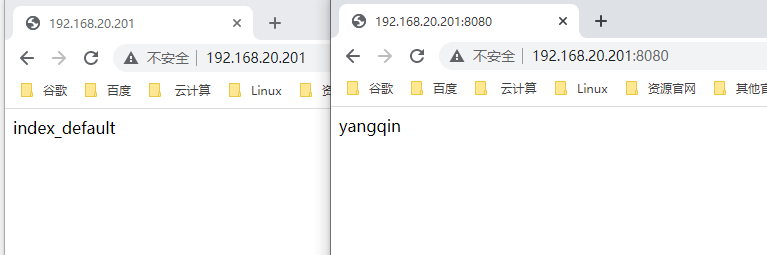
[root@localhost planA]# docker run --name test2 -d --env INDEX_DATA=yangqin -p 8080:80 nginx:v1
测试访问:
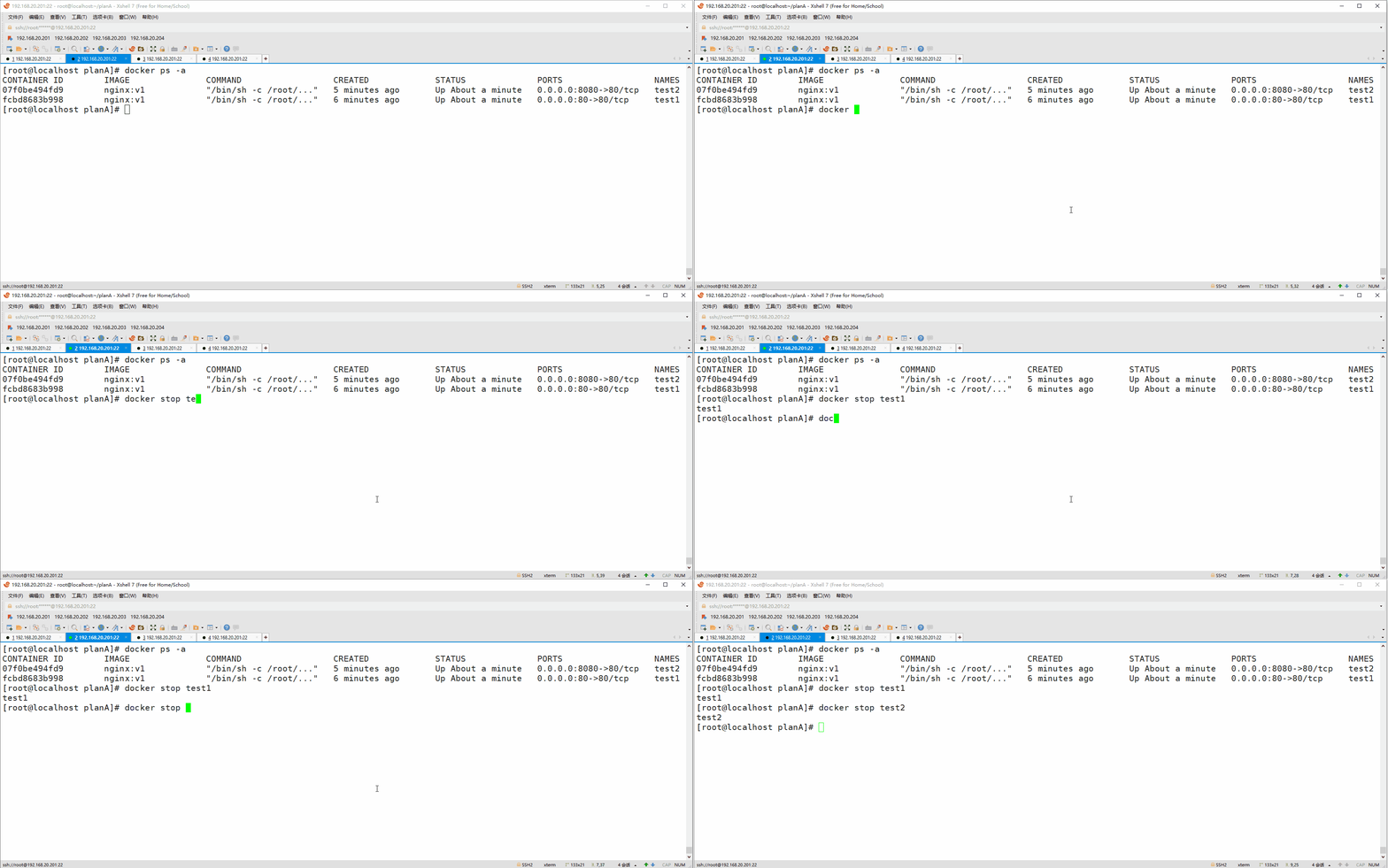
测试优雅退出:
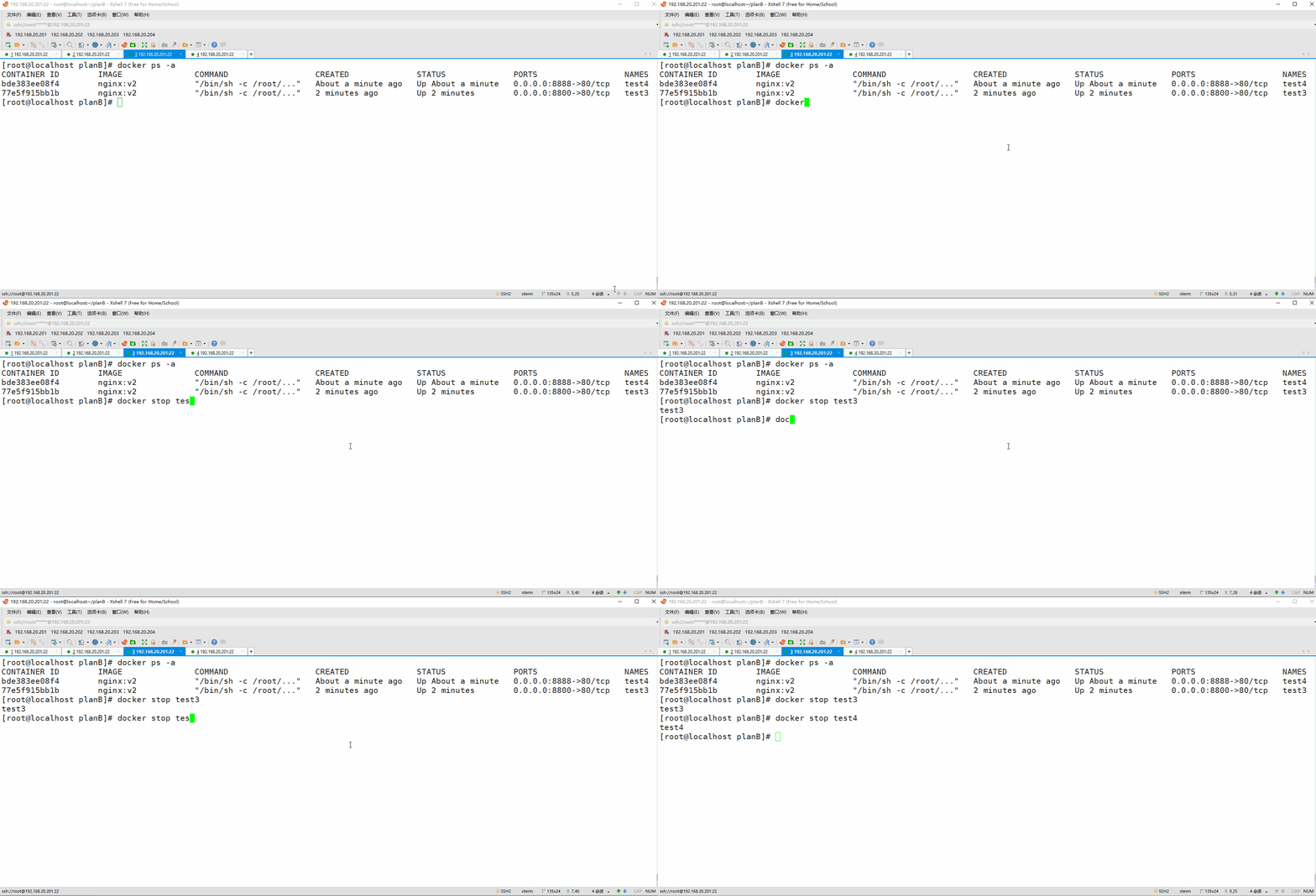
关闭速度明显提升,因为容器正常识别 SIGTERM信号
二:planB
准备:
Dockerfile:
FROM centos:centos7.9.2009

MAINTAINER  yq "yangqin_0001@126.com"

ENV INDEX_DATA index_default

ADD http://nginx.org/download/nginx-1.22.1.tar.gz /root

RUN yum -y install gcc gcc-c++ make pcre-devel pcre zlib zlib-devel && cd /root/ &&  tar -zxvf nginx-1.22.1.tar.gz && cd /root/nginx-1.22.1 && ./configure --prefix=/usr/local/nginx && make && make install

ADD ./startup.sh /root

RUN chmod a+x /root/startup.sh

CMD /root/startup.sh
startup.sh:
#!/bin/bash

echo $INDEX_DATA > /usr/local/nginx/html/index.html

pid=0

term_handler() {
  if [ $pid -ne 0 ]; then
    kill -SIGTERM "$pid"
    wait "$pid"
  fi
  exit 143;
}

trap 'kill ${!}; term_handler' SIGTERM

/usr/local/nginx/sbin/nginx

pid=$( ps aux | grep nginx | grep master | awk '{print $2}' )
echo $pid

touch /usr/local/nginx/logs/access.log

while true
do
  tail -f /usr/local/nginx/logs/access.log & wait ${!}
done
1、制作镜像
[root@localhost ~]# mkdir planB
[root@localhost ~]# cd planB/
[root@localhost planB]# ls
Dockerfile  startup.sh
[root@localhost planB]# docker build -t nginx:v2 .
2、用镜像启动容器,测试
启动:
[root@localhost planB]# docker run --name test3 -d -p 8800:80 nginx:v2

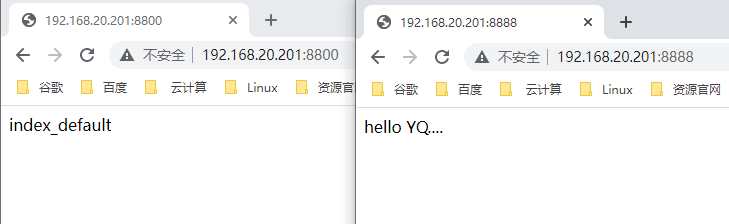
[root@localhost planB]# docker run --name test4 -d --env INDEX_DATA="hello YQ...." -p 8888:80 nginx:v2
测试访问:
测试优雅推出: